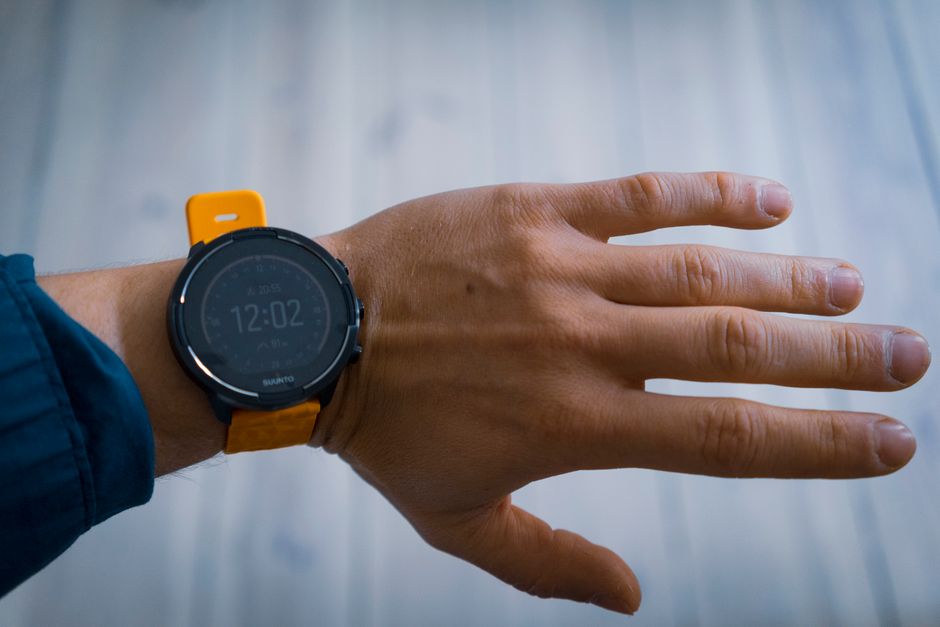
Unlock Your Suunto Run’s Hidden Potential: Essential Tips for Better Training
Are you getting the most out of your Suunto Run watch, or are you missing some game-changing features that could transform your training routine? Many runners grab their device, sync it with their phone, and assume they’re ready to go. But there’s so much more happening beneath that sleek surface—features and tricks that can genuinely elevate your performance tracking and training experience.
Whether you’re a casual jogger or someone training for a specific goal, these five practical hacks will help you navigate your Suunto Run like a pro and solve some of the frustrations that other users have encountered along the way.
Master Your Training View Customization
Your watch screen displays only so much information at once, and the default layout might not match your actual training needs. Most Suunto Run users don’t realize they can completely customize which metrics appear during their runs. If you’re obsessed with cadence, you can prioritize that data. If you care more about pace and elevation, adjust accordingly.
The beauty of personalization is that you can create different training views for different workout types. Long-distance runs might benefit from a focus on average pace and total distance, while hill repeats might emphasize elevation gain and current pace. Spend ten minutes tweaking these settings in your sport profile, and you’ll save yourself from squinting at irrelevant numbers during every training session.
Quick tip: Create separate sport profiles for road running, trail running, and track workouts so each has its own optimized data fields and alert settings.
Fix the GPS Signal Issue (A Lifesaver for U.S. Users)
Here’s the notorious frustration that American Suunto Run owners have been griping about: initial GPS acquisition taking forever. If your watch takes several minutes to lock onto a signal before you can even start your run, you’re not alone—and there’s actually a solution.
The fix involves downloading the latest firmware and manually updating your satellite data through the companion app. Make sure your watch syncs with the app regularly, and consider updating satellite data the night before a planned run. Additionally, standing still for thirty seconds before pressing start—rather than moving while searching for signal—helps the watch establish a lock more quickly. Some users also report better results when starting their runs away from buildings and tree cover whenever possible.
Leverage the Recovery Metrics
Your Suunto Run doesn’t just track what happens during your workout—it also monitors recovery between sessions. Most people glance at recovery time recommendations and ignore them, but this data actually reflects how your body is adapting to training stress.
Pay attention to those recovery suggestions. If your watch suggests waiting an extra day before hard effort, consider doing an easy recovery run or cross-training instead of pushing intensity. The watch considers your recent training load and sleep data to generate these recommendations. Using this feedback intelligently can help prevent overtraining and reduce injury risk over time. Think of it as having a mini coach on your wrist who knows your training history.
Optimize Battery Life Without Sacrificing Function
Battery anxiety is real, especially for runners planning long training weeks. While you can’t change the hardware, you can adjust settings that dramatically impact battery consumption. Disable unnecessary notifications, reduce screen brightness to automatic, and consider disabling always-on display mode if you don’t need constant time visibility.
For ultra-distance training, switch to a lower GPS accuracy mode before your run. Yes, your data will be slightly less granular, but you’ll gain meaningful battery extension. Save the high-precision tracking for races and key workouts when accuracy matters most.
Connect with Training Plans and Structure
Your Suunto Run integrates with training plans available through the app ecosystem. Rather than winging your workouts or following random internet plans, use integrated training structure that communicates directly with your watch. This means workout instructions appear on your wrist, pacing targets align with your current fitness level, and progress updates happen automatically.
The watch-training plan connection transforms your device from a simple tracker into an active coaching tool. You’ll receive real-time feedback on whether you’re hitting target paces, and the data feeds directly back into the app for analysis.